Ripping is the cut most woodworkers assume requires a table saw.
Set the fence.
Push the board through.
Done.
And for a properly equipped shop with a cabinet saw and room to work, that's true. But "properly equipped" is doing a lot of heavy lifting in that sentence. It assumes a saw with a reliable fence, an outfeed table, side clearance for wide panels, and enough linear space to feed an 8-foot board without hitting a wall.
In a small workshop, those assumptions fall apart fast.
The Small Shop Ripping Problem
Rip cuts run along the length of the material. On a table saw, that means the full length of the board or sheet passes through the blade. An 8-foot piece of plywood needs 8 feet of infeed space and 8 feet of outfeed space. Add the saw itself and your standing room, and you're looking at a minimum of 20 feet of clear, linear floor space.
A 10x12 garage doesn't have 20 feet in any direction. A basement shop carved out of a corner has even less. So small-shop woodworkers end up doing one of two things: they angle the saw diagonally to buy a few extra feet (which makes outfeed support awkward), or they rip shorter pieces and live with the limitation.
Neither solution addresses the real need, which is ripping full-length material to a consistent width, multiple times, without re-measuring for each cut.
Why Rip Cuts Demand Repeatability
A crosscut that's off by 1/32" is usually fixable. Trim it. Sand it. Adjust the joint. A rip cut that's off by 1/32" across a full sheet means the next piece is also off, because the remaining material has shifted. Over a batch of cabinet sides or shelf panels, that error compounds. Pieces that should be identical aren't. Edges that should be parallel aren't. And you discover it during assembly, when fixing it means going back to the saw.
The table saw fence provides repeatability for rip cuts because it's a fixed physical reference. You set it once and every piece comes out the same width. The challenge with track saw ripping has always been replicating that fixed reference. Without it, you're measuring and marking each cut individually, and each measurement is an opportunity for error.
The Dash-Board system solves this with three accessories that work together to create a physical reference system for rip cuts: Parallel Guides, the Rip Gauge, and Track Stars.
How the System Works
Here's the key concept: instead of measuring from the material edge to the cut line for each piece, you create a fixed distance between the guide rail and a reference point on the bench. That distance doesn't change between cuts. You set it once with physical stops, and it stays set until you deliberately move it.
Parallel Guides
These are the reference points. They're anchored in the 20mm holes on the bench top and material is placed against them for cutting. Since the guide rail is also in a fixed location on Track Stars, their relationship doesn't change, so the cut specs remain the same from workpiece to workpiece.
Each guide has two ends. The narrow 6mm end slips under the guide rail for tight rip widths where the guide needs to sit close to the cut line. The opposite end has a 29mm aluminum cap that raises the contact point, which helps make solid contact with material that has a slight bow or warp. Both ends also interface with the Rip Gauge for setting precise dimensions.
The important distinction from other parallel guide systems: these mount to the table, not to the rail. Rail-mounted guides move with the rail and can require recalibration when you reposition. Table-mounted guides stay fixed. That's what makes the rip width repeatable.
The Rip Gauge
The Rip Gauge eliminates tape measure math from rip cuts. It's an adjustable carbon fiber extension that you set against the guide rail, which represents the exact finished width you want. The trick is that it accounts for blade kerf automatically. You tell it the size of the finished piece, not the distance from the rail edge to the blade. Three swappable kerf tabs (1.8mm, 2.2mm, and 2.4mm) match common track saw blades.
In practice, this means: place the Rip Gauge on the rail, extend it to the dimension you need, slide the Parallel Guide to meet the end of the carbon fiber arm, lock the guide. Done. The rail now sits at the exact distance needed to produce that finished width.
The Rip Gauge also duplicates existing parts without a tape measure. If you need to match a piece you've already cut, set the gauge against the existing part, transfer that physical dimension to the Parallel Guide, and cut. No reading a tape, no writing numbers, no transposing errors.
Track Stars
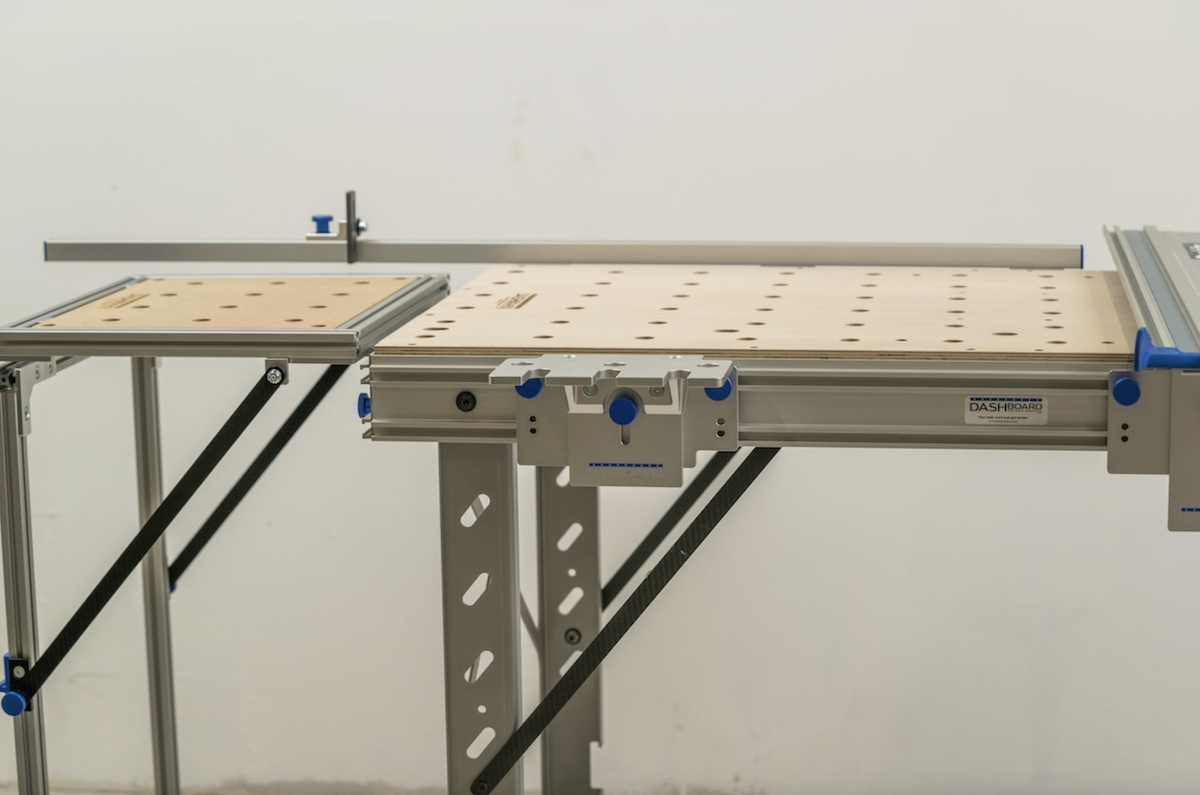
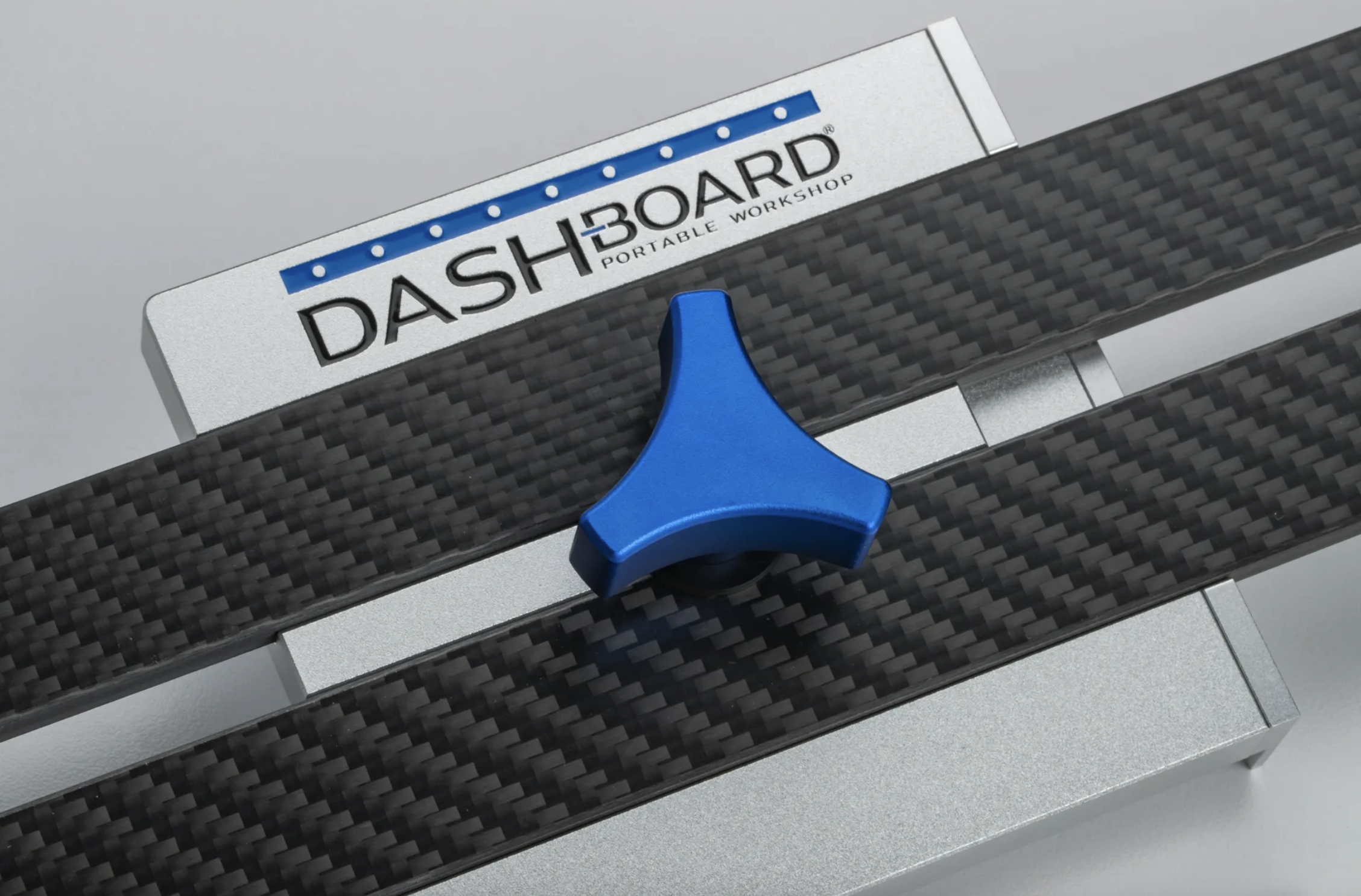
Track Stars mount in the clamp tracks along the sides of the bench. For rip cuts, their role is twofold.
First, they extend the mounting surface for Parallel Guides and SpiRail Dogs beyond the physical bench edges. This matters for wider rips where the parallel guides need to sit farther from the bench edge than the dog hole grid allows.
Second, they support the offcut side of the material. When you rip a narrow strip off a full sheet, that strip needs support or it drops, binds against the blade, or kicks up as the cut finishes. Track Stars positioned on the offcut side prevent all three.
The Rip Cut Workflow
With the system configured, here's what a ripping session looks like.
Set the Rip Gauge to your finished dimension. Select the correct kerf tab for your blade, extend the carbon fiber arm, and lock it.
Position the Parallel Guides. Place them in the dog holes (or Track Star holes) and slide them to meet the Rip Gauge. Lock them down.
Place your material on the bench. The edge you're referencing goes against whatever stop or edge you're using for registration.
Drop the guide rail with SpiRail Dogs installed into the slots on your Track Stars. It's always in the same spot for cutting. No clamping a straight edge.
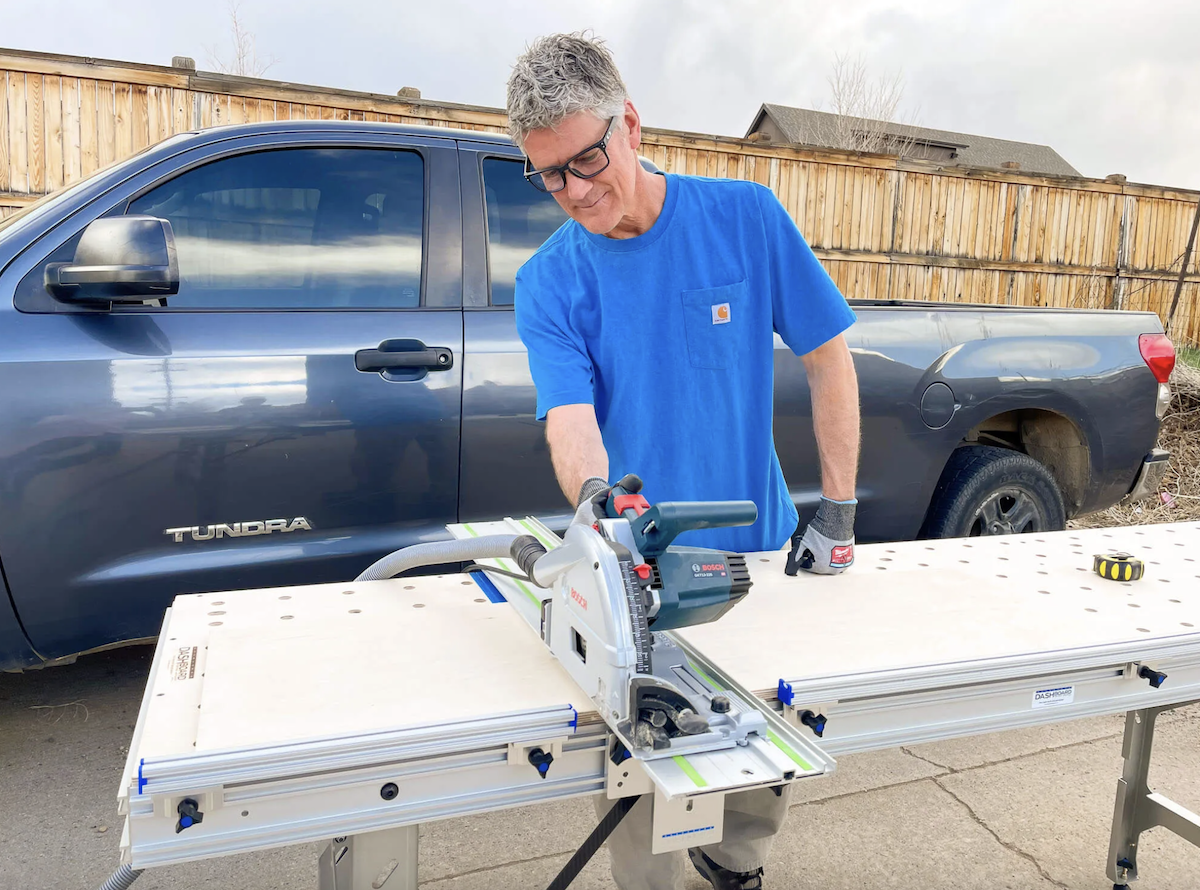
Cut. Run the track saw along the rail. The first piece comes off at your set width.
Repeat. Move the offcut, position the next section of material, drop the rail back in place, and cut again. The width doesn't change. The tenth piece matches the first.
For a batch of cabinet sides that all need to be 23-1/4" wide, you set the system once and rip as many as you need. Contrast this with measuring and marking each piece individually on a sheet of plywood. By the fifth piece, you've introduced enough cumulative measurement variation that the last piece might not match the first.
The Space Advantage
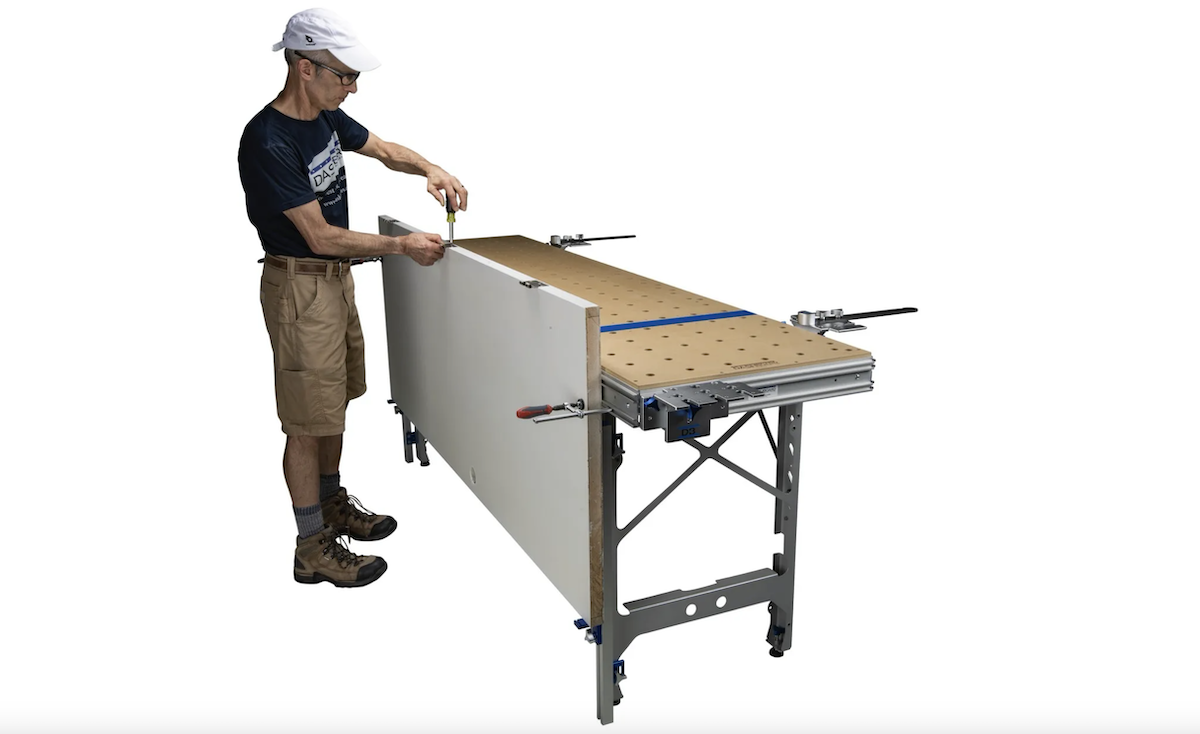
Here's where the small workshop benefit becomes concrete. The Dash-Board bench at 92 inches long and about 24 inches deep, with Track Stars extending support on the sides, creates a ripping footprint of roughly 4 feet wide and 8 feet long. That fits in a single-car garage bay with room to spare for a material stack and walking space.
When you're done ripping, the Track Stars and Parallel Guides come off in under a minute. The bench footprint goes back to its base dimensions, or folds up entirely for storage. The same floor space that was a ripping station is now open for assembly, finishing, or parking the car.
A table saw, even a compact contractor saw with a folding stand, occupies permanent or semi-permanent floor space when you factor in the fence rail and outfeed needs. In a small shop, that's space you can't reclaim between tasks.
When the Table Saw Still Wins
This system handles sheet goods and dimensional lumber rip cuts extremely well. Where a table saw retains an advantage is in ripping short, thick hardwood stock (under 24 inches) where the table saw fence and miter gauge provide faster material handling, and in operations like dadoes and rabbets that require specialized blades or stacked dados.
If your ripping needs are primarily sheet goods and longer stock, the track saw system replaces the table saw for that work. If you regularly rip short hardwood blanks, the table saw may still earn its floor space.
What Users Report
Tyler C., who uses Track Stars and SpiRail Dogs for ripping, described his experience across two reviews:
"I added two sets of these to my bench for added material support along with the ability to rip full sheets of plywood with ease. They also work great to support small off cut strips when doing thin rips on the edge of the bench without having to worry about cutting into the work surface. I haven't used my table saw in months!"
David Prince, on the Rip Gauge:
"This way of setting up rip cuts eliminates the use of (traditional) parallel guides. Not having to calibrate each parallel guide has been a great time saver and the rip gauge is very simple to use and setup."
Getting Started
If you already own a Dash-Board or ShortCut bench, add Parallel Guides and a Rip Gauge to start making repeatable rips immediately. Track Stars add extended support and wider rip capacity when you need it. If you're working on an MFT-style table with 20mm dog holes, the Parallel Guides and Rip Gauge work on your existing bench too.
Everything is at dashboardpws.com. For help figuring out which accessories match your workflow, call (303) 376-5703.
Frequently Asked Questions
What's the maximum rip width with this system? The Rip Gauge sets dimensions up to 25-1/2" (648mm) from either side of the blade. For wider rips, reposition the guide rail and Parallel Guides manually. With the full bench and Outrigger Bundle, the system handles rips up to 100".
Do I still need a table saw if I have this setup? For rip cuts on sheet goods and dimensional lumber, this system can fully replace a table saw. Some woodworkers keep a table saw for dadoes, rabbets, or ripping short hardwood stock, but many Dash-Board users report their table saw sits unused after switching.
How do the Parallel Guides stay in position during a cut? They anchor into 20mm dog holes on the bench surface or Track Stars, secured by expanding dogs. They don't attach to the guide rail, so they remain fixed and the rail does not move, which cements their relationship.
Which kerf tab do I use with the Rip Gauge? Match the tab to your blade's kerf width. The three included tabs (1.8mm, 2.2mm, 2.4mm) cover most standard track saw blades. Check your blade's specification or measure the kerf on a test cut to select the right one.
Can I use this system on an existing MFT-style table? The Parallel Guides and Rip Gauge work with any bench that has 20mm dog holes in a relatively square grid. Track Stars mount via clamp tracks or T-slot extrusion on the bench sides. If your table has both, the full system works directly. If it only has dog holes, Parallel Guides and the Rip Gauge still provide repeatable rip capability.