Your Cart
Product Title
$0
$0
-
+
Your cart is empty.
Add Discount Code?
Add Cart Note?


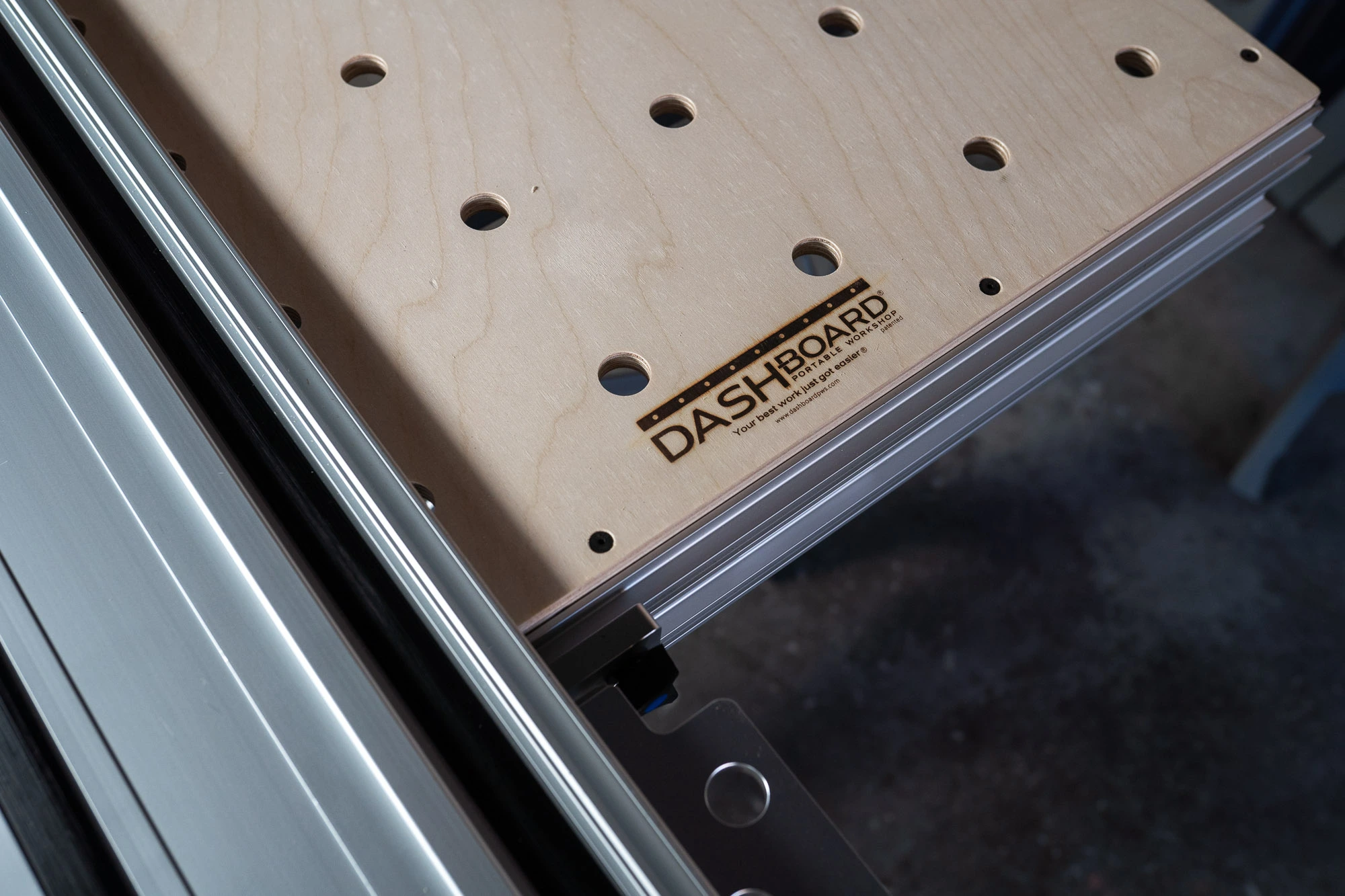
In the world of woodworking and crafts, having the right workbench can make all the difference. The Dash-Board and Dash-Board ShortCut are two such game-changers, designed to cater to a wide array of projects with their optimal dimensions and features.
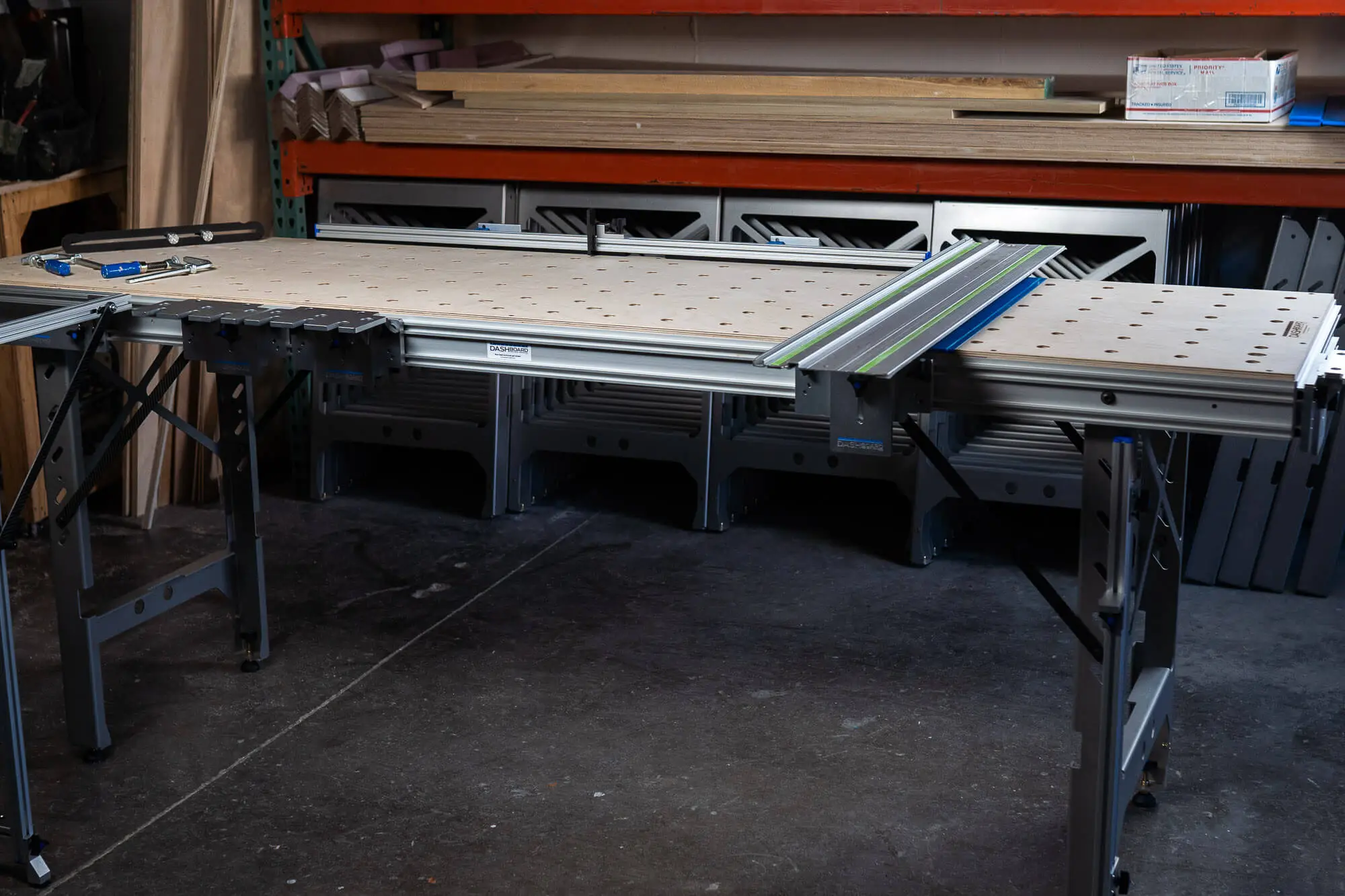
~60 lbs. (27.27 kg)
The Dash-Board, with its generous dimensions, and a maximum standard crosscut of 24.75”, is ideal for a variety of complex projects. Its size and robustness make it perfect for tasks like large-scale woodworking projects, furniture making, and extensive crafting.
The workbench's capacity to handle weighty materials, combined with its spacious surface, is well-suited for projects that require spreading out materials or using multiple tools simultaneously.
Perfect for professionals and hobbyists who require a larger surface area for complex projects.
46.75” long X 24.5” wide X 35.5” tall (1187mm X 622mm X 900mm).
45 lbs (20.4kg)
The Dash-Board ShortCut, with dimensions of 46.75” long x 24.5” wide x 35.5” tall and a weight of 45 lbs, is well-suited for users who need a compact yet functional workbench. Its size makes it ideal for smaller workshops, garages, or spaces where a conserving room is essential.
Despite its smaller footprint, it can effectively support a range of activities like DIY home projects, small-scale woodworking, crafting, and even as a portable station for on-site work where space and easy mobility are key considerations.
Both models are designed with user comfort in mind, ensuring that long hours at the workbench don't take a toll on your body. They facilitate an efficient workflow, regardless of the project size.
Whether it's the expansive Dash-Board or the compact Dash-Board ShortCut, these workbenches are tailored to provide the optimal dimensions for any job. Their sturdy construction, ergonomic design, and versatility make them a must-have for any workspace.
The Dash-Board is larger, making it ideal for bigger projects, while the Dash-Board ShortCut is more compact, perfect for smaller spaces or projects.
Yes, both workbenches are designed to be robust and can support a variety of heavy-duty projects.
Absolutely, both the Dash-Board and Dash-Board ShortCut are built to meet the demands of professional woodworking and crafting.
The Dash-Board ShortCut, in particular, is designed for easy mobility and is ideal for on-site work or for those who frequently change their working location.
Yes, both models offer height adjustability to cater to different user preferences and project requirements.
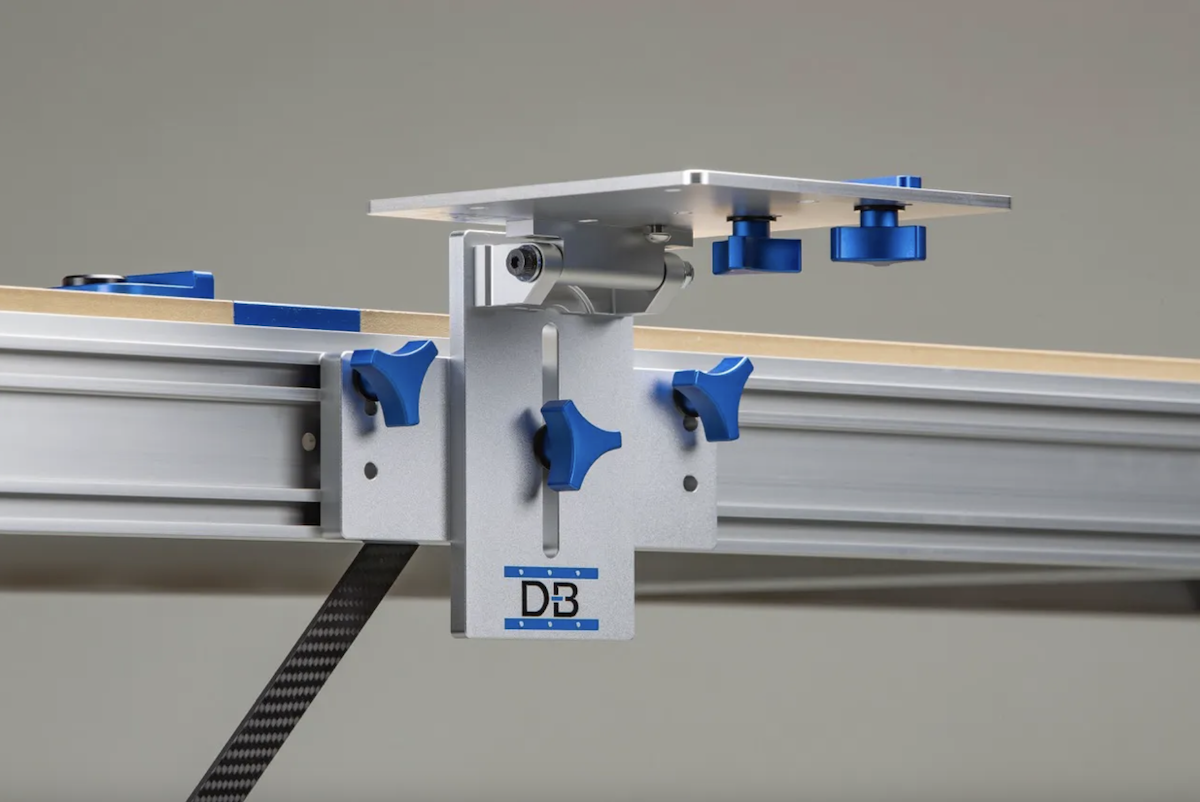
Guide rail brackets hinge your track saw rail to a fixed, repeatable 90-degree position on the bench, so you calibrate square once instead of re-checking it before every cut. Rigid, machined construction with no play is what lets the rail hold that reference through height changes and daily use, turning setup into a one-time task rather than a recurring chore.
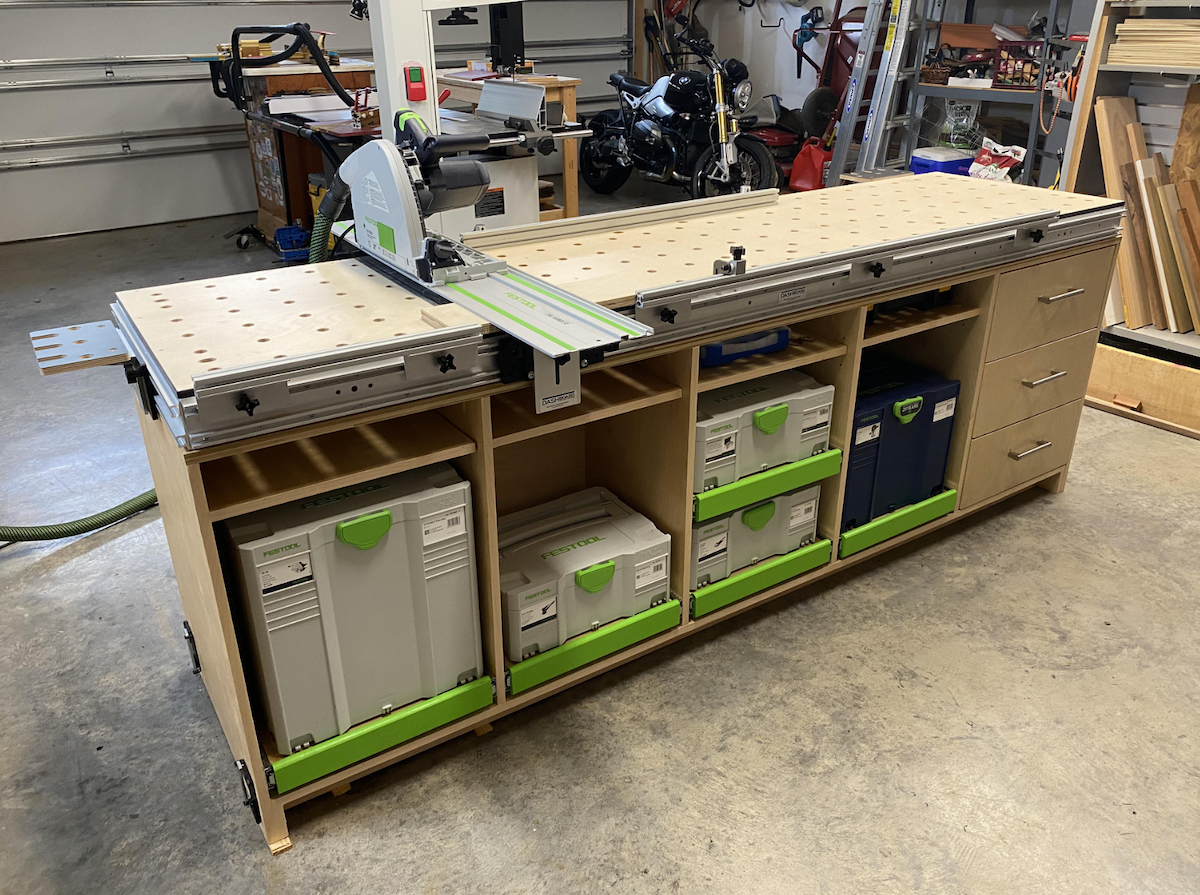
An MFT is a Multi-Function Table built around a perforated 20mm hole grid and guided cutting, letting you crosscut, clamp, sand, rout, and assemble all on one portable surface. It's a strong fit if you do precision crosscuts and sheet goods work, though drift and rigidity issues in some designs are why many owners upgrade to sturdier aftermarket benches and brackets.
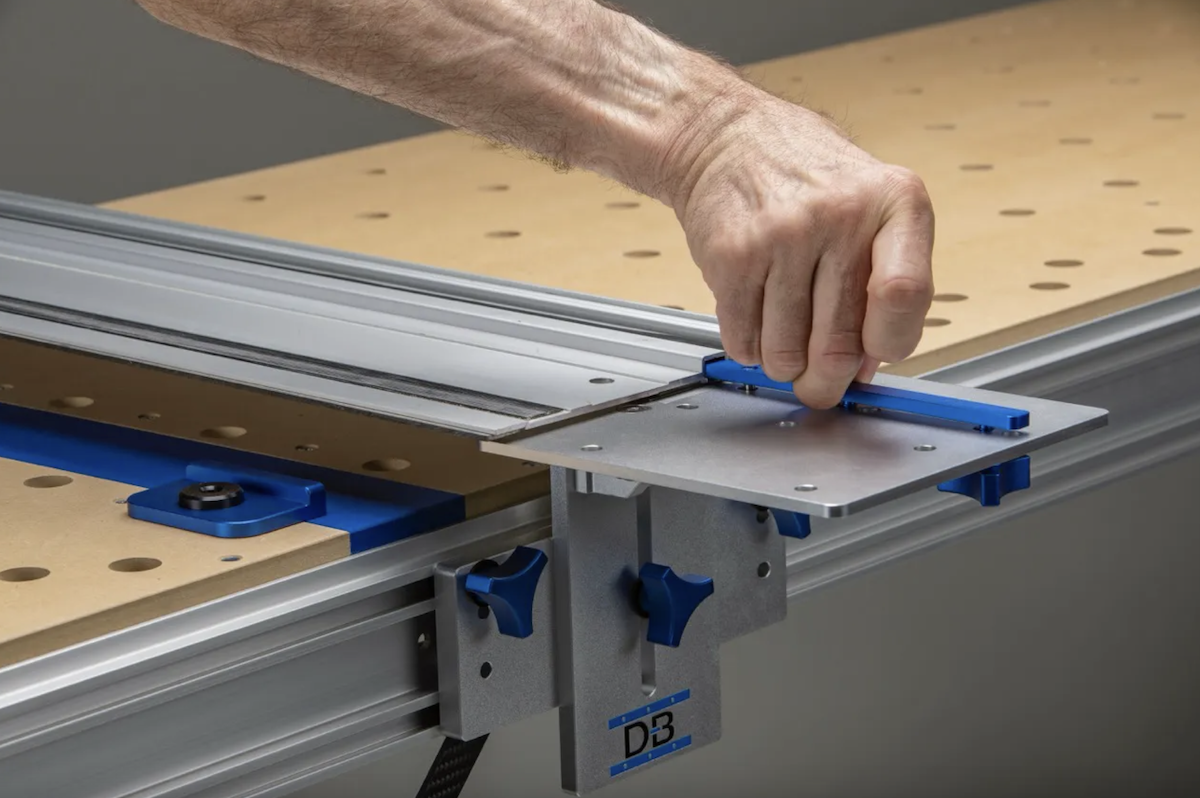
Track saw rail slip almost always comes down to dirty or worn grip strips, dusty or slick surfaces, or not enough downward pressure, and cleaning the strips plus clearing the workpiece solves most cases instantly. For repeatable, no-slip accuracy, clamps work but a fixed bench bracket system locks the rail in place for good.
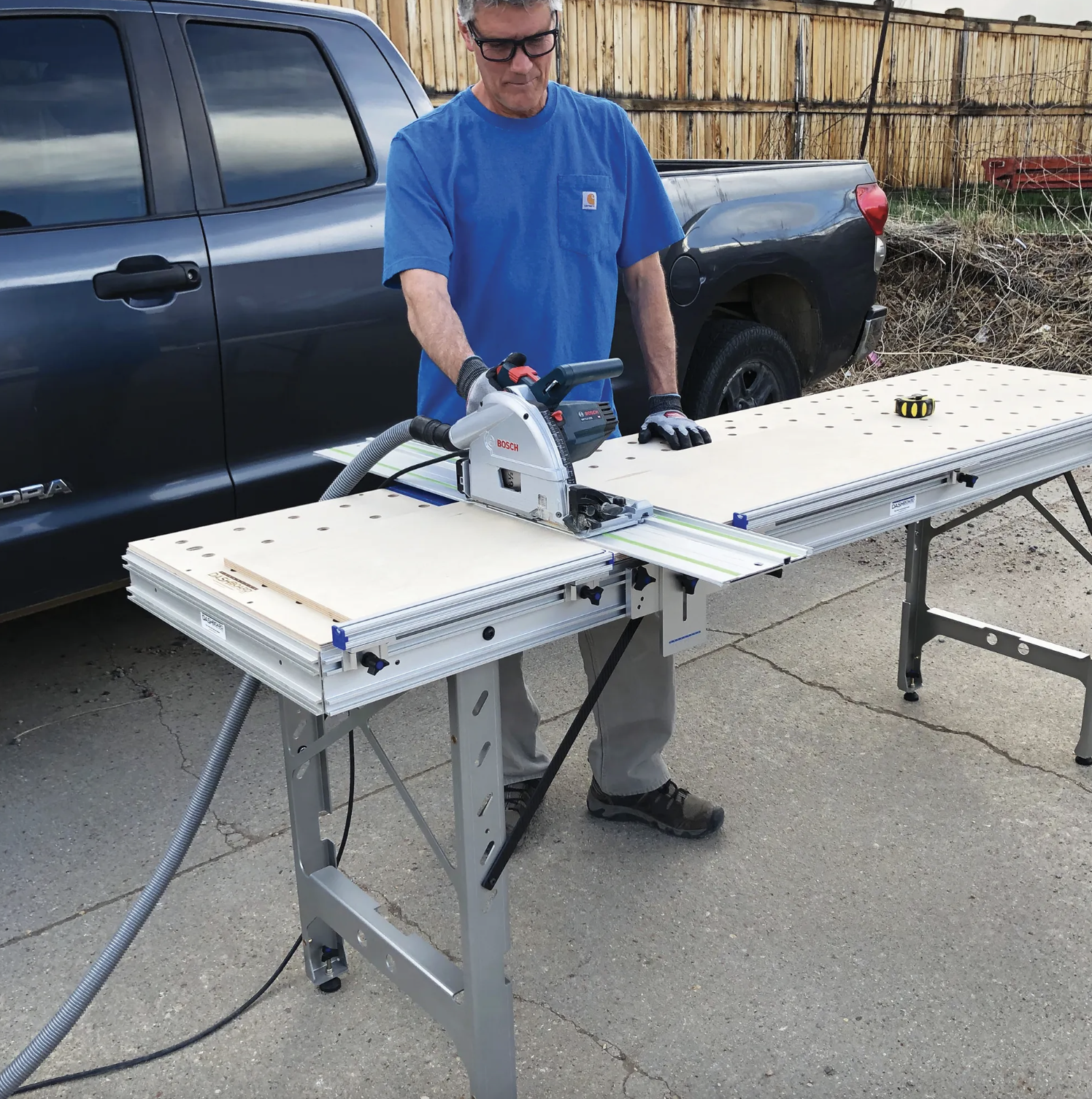
Scribing transfers the wall's true contour onto a cabinet edge so it fits tight against uneven walls and floors, and a portable bench that levels on the spot gives you the stable reference needed to mark and cut that line accurately. Level the piece, scribe to the widest gap, trim with the work fully supported, then test and refine until the fit sits flush.
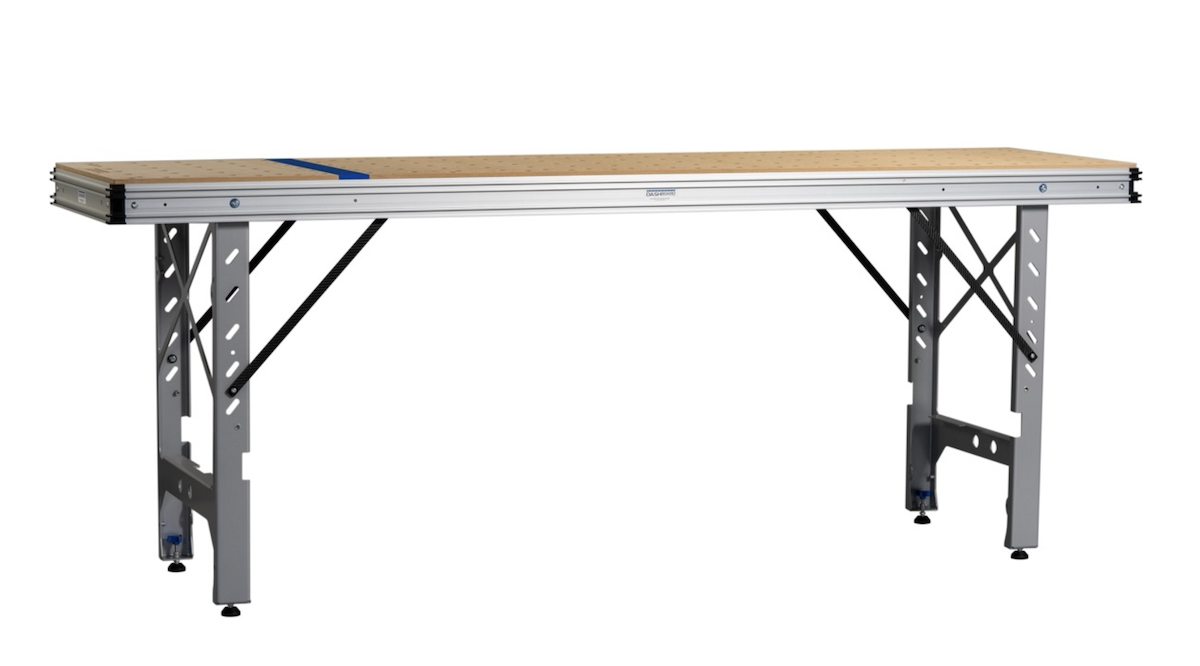
Solid workholding is the whole game with edge banding, and a rigid portable bench with the right clamping accessories lets you present a panel flat or vertical for clean, even application. Lock the panel down, apply the banding steadily, then trim flush once the bond sets for crisp, consistent edges every time.

Straight edge cutting tools like track saws, guide rails, and guide rail brackets give woodworkers a fixed reference so cuts stay true instead of drifting off line. A rigid bench, squared rail, and the right accessories (fences, flip stops, parallel guides) turn one accurate cut into consistent, repeatable results every time.
